Unity Asset Store Publisher
FreshLabs Interactive
"A mind is a terrible thing to waste."

Tools built for
real workflows.

FreshLabs Interactive develops professional Unity Editor extensions designed to eliminate friction in your development pipeline — so you can focus on building great games.

2 Tools Published
1 Tools In Development
Unity 6.3+ Compatible
URP/HDRP/BiRP Supported Pipeline

Developer-first
editor tooling.

FreshLabs Interactive is an independent Unity tools publisher focused on building practical, well-documented Editor extensions that solve real problems developers face every day.

Every tool we ship is designed around the developer experience — not just functionality, but feel. Clean interfaces, solid documentation, and support that actually responds.

More tools in development.

⚙️
Built for Production
Every asset is tested in real Unity projects before release, targeting Unity 6.3+ LTS and URP/HDRP/BiRP pipelines.
📖
Fully Documented
Detailed inline documentation and step-by-step guides for every feature, written for all skill levels.
🔧
Actively Maintained
Assets receive updates for new Unity versions, bug fixes, and feature improvements over time.

Our catalogue.

Professional Editor tools available on the Unity Asset Store. Each one ships with documentation, demo scenes, and full source access.

Editor Tool · Git Integration
RepoBridge Logo
RepoBridge
Built by developers, for developers.

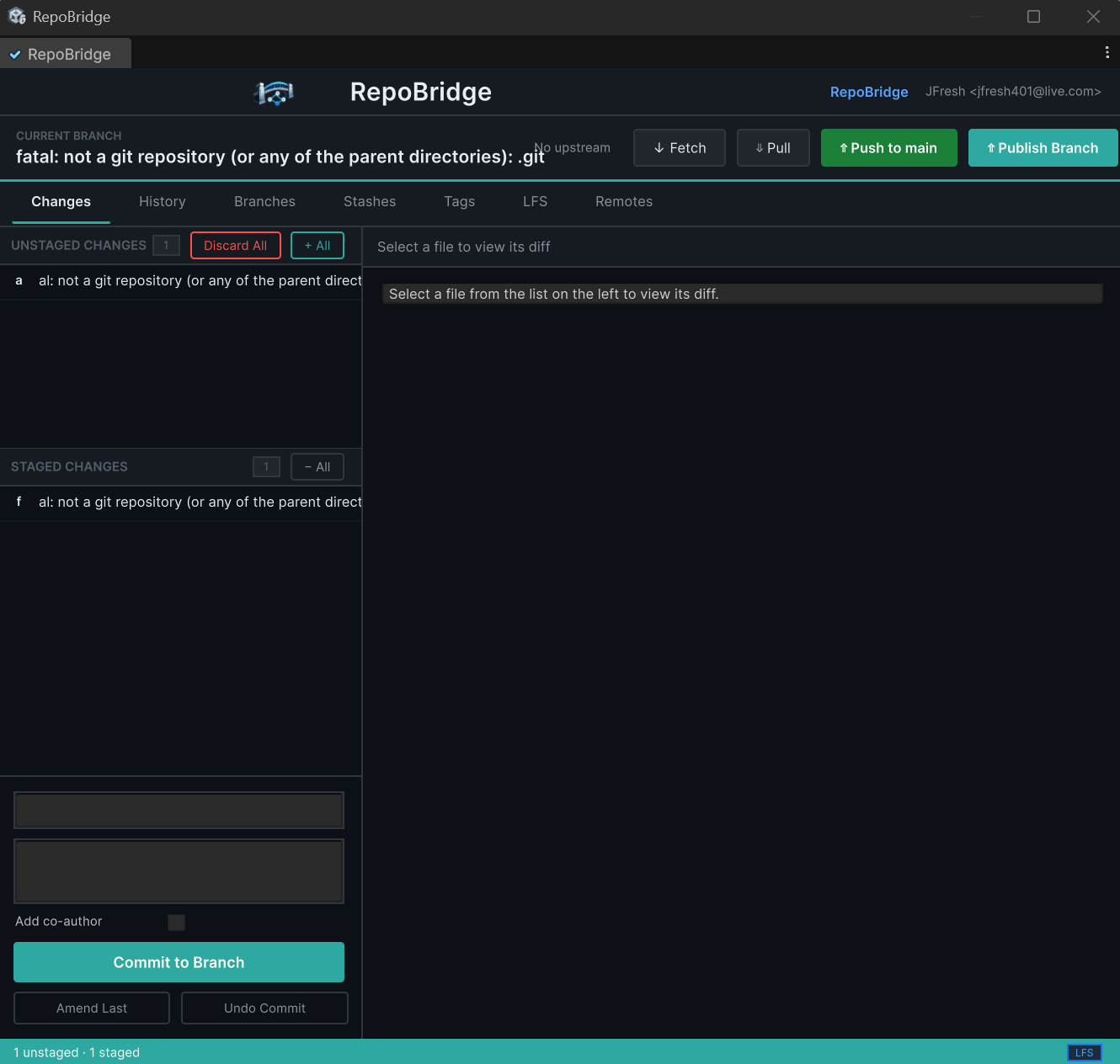
RepoBridge puts full Git version control directly inside the Unity Editor. Stage files, write commits, manage branches, lock binary assets, and sync with your remote server — all without leaving Unity. Modelled closely on GitHub Desktop for a familiar, approachable interface.

  • Full Git staging, committing & push/pull from a native Editor window
  • Branch creation, switching, and merge management
  • Binary asset locking to prevent team conflicts on .fbx, .png, and more
  • Familiar GitHub Desktop-inspired interface — minimal learning curve
  • Works with any remote Git server: GitHub, GitLab, Bitbucket, self-hosted (Gitea)

✅ PUBLISHED ON UNITY ASSET STORE

RepoBridge Editor Window Screenshot
🖼️
Upload
images/repobridge-screenshot.png
to your GitHub repo
RepoBridge — Unity Editor
STAGED
+ Assets/Player/PlayerController.cs
+ Assets/UI/HUDManager.cs
 
BRANCH feature/inventory-system
 
COMMIT
> Add inventory drag-drop logic_
CATEGORYTools / GUI
Editor Tool · UI / Notifications
FreshLabs Toast XML System Logo
Toast XML System
Windows style toast notifications for in-game use.

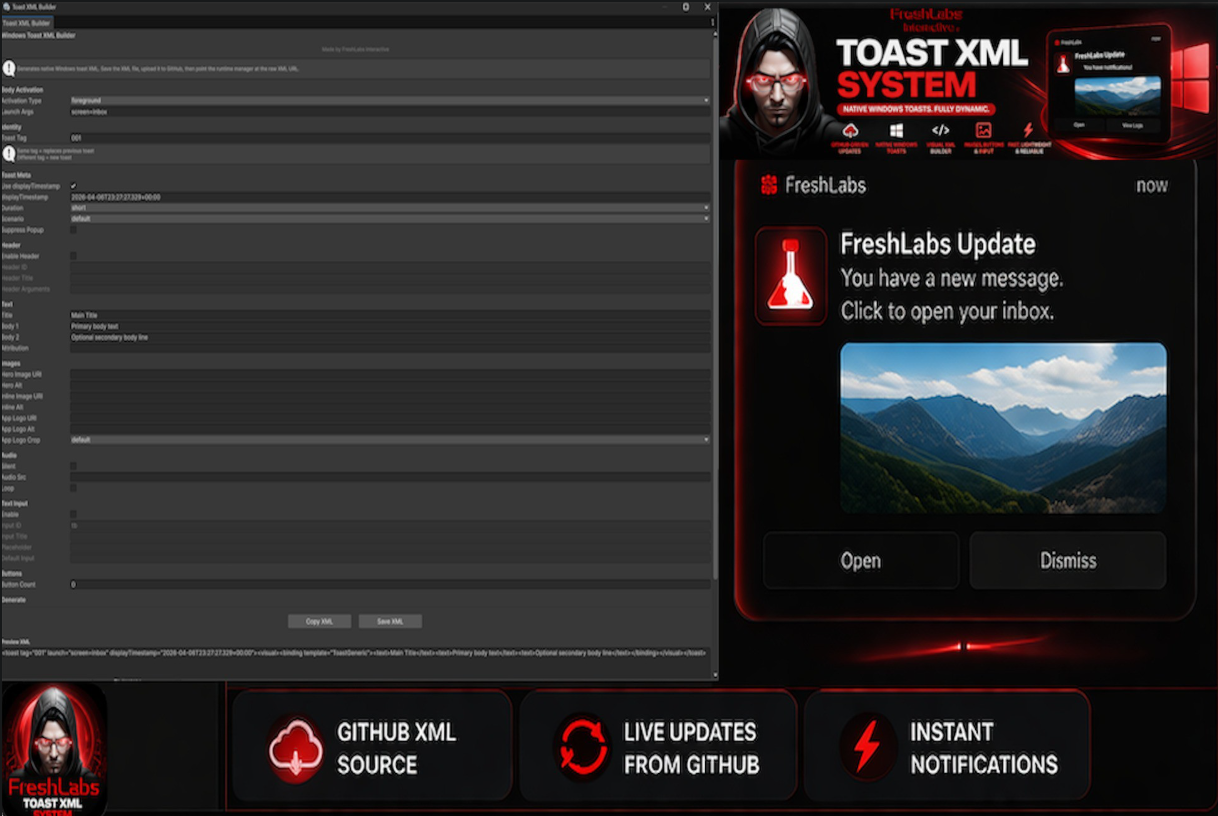
Bring native-style Windows toast notifications into your Unity game with a fully interactive Editor UI. Define notifications in XML, configure timing, styling, and triggers — then preview everything directly inside the Unity Editor without ever leaving your project.

  • Windows-style toast notifications for in-game use
  • XML-driven notification definitions — no code required for basic setups
  • Interactive Editor UI for building and previewing notifications live
  • Configurable display duration, position, icon, title, and body text
  • Event callbacks for user interaction (dismiss, click, timeout)

✅ PUBLISHED ON UNITY ASSET STORE

FreshLabs Toast XML System Screenshot
🖼️
Upload
images/toast-screenshot.png
to your GitHub repo
Toast XML — Preview
<toast>
  <title>Achievement Unlocked</title>
  <body>First blood!</body>
  <duration>3.5</duration>
  <icon>trophy.png</icon>
</toast>
 
✓ Preview ready in Editor
CATEGORYTools / Utilities
Editor Tool · Project Management
Asset Graveyard Logo
Asset Graveyard
Built by developers, for developers.

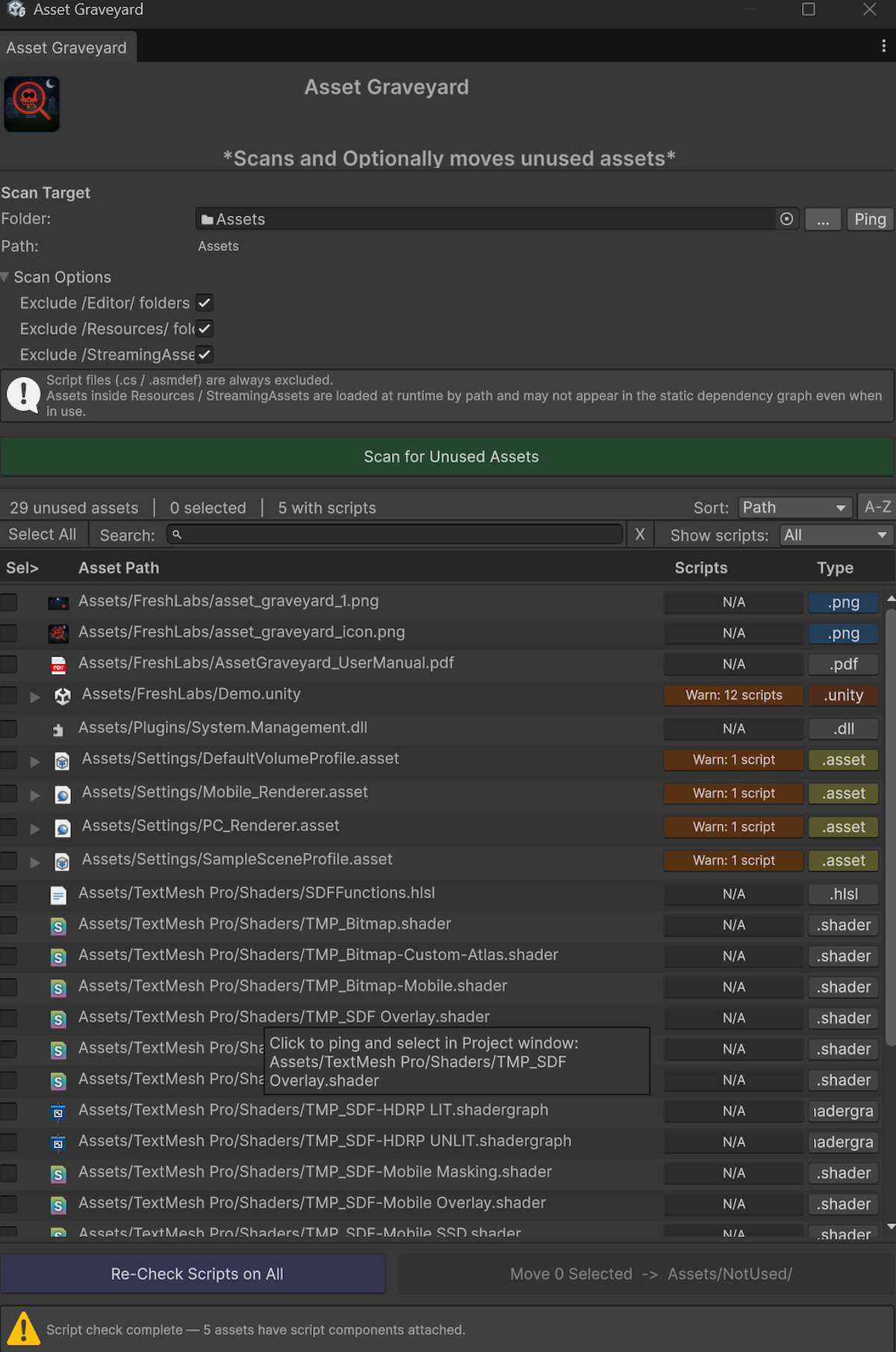
Asset Graveyard hunts down every unused asset lurking in your Unity project and puts you back in control. Identify dead files, move them to a quarantine folder, and permanently delete them — all from a clean, purpose-built Editor window. Keep your project lean and your build times fast.

  • Scans your entire project for unreferenced assets across all asset types
  • One-click quarantine — safely moves unused files to a designated folder
  • Permanent delete option with confirmation to free up real disk space
  • Detailed scan results list with file type, size, and last-referenced info
  • Non-destructive workflow — review everything before committing to deletion

⏳ PENDING UNITY ASSET STORE REVIEW

Asset Graveyard Editor Window Screenshot
🖼️
Upload
images/graveyard-screenshot.png
to your GitHub repo
Asset Graveyard — Scan Results
SCAN COMPLETE
! Assets/Textures/old_rock_01.png
! Assets/Audio/unused_music.mp3
! Assets/Models/prototype_cube.fbx
 
FOUND 47 unused assets (230 MB)
 
> Move to Graveyard / Delete_
CATEGORYTools / Utilities

We've got you covered.

Every FreshLabs asset ships with proper documentation and a direct support channel. You won't be left guessing.

📄
Documentation
Every asset has a full written guide covering setup, configuration, scripting API, and common workflows from scratch.
🐛
Bug Reports
Found something broken? Email us directly with your Unity version and reproduction steps. We respond within 48 hours. Sometimes, same day!
💡
Feature Requests
Have an idea that would make a tool more useful? We actively review requests and incorporate community feedback into updates. You will be rewarded!
🔄
Unity Version Updates
Assets are kept compatible with current Unity LTS releases. Update notes are published with every new version. (TBD)
📦
Sample Projects
Each asset ships with a demo scene so you can see exactly how things work before integrating into your own project.
✉️
Direct Contact
No support ticket queues. Reach us directly by email at jfresh401@gmail.com for any questions.

Get in touch.

Questions about an asset, a bug you've encountered, or a feature you'd like to see? We're a small independent studio — reach out directly and you'll hear back from a real person.

jfresh401@gmail.com
🏢
Studio FreshLabs Interactive
🎮
Specialisation Unity Editor Tools & Extensions
Engine Focus Unity 6.3+ LTS · URP · HDRP · Built-in RP
⏱️
Response Time Within 48 hours, typically same day